� Simple Minecraft Flying Machine Mechanism (Java & Bedrock Edition)
🌍 What Is a Minecraft Flying Machine ?
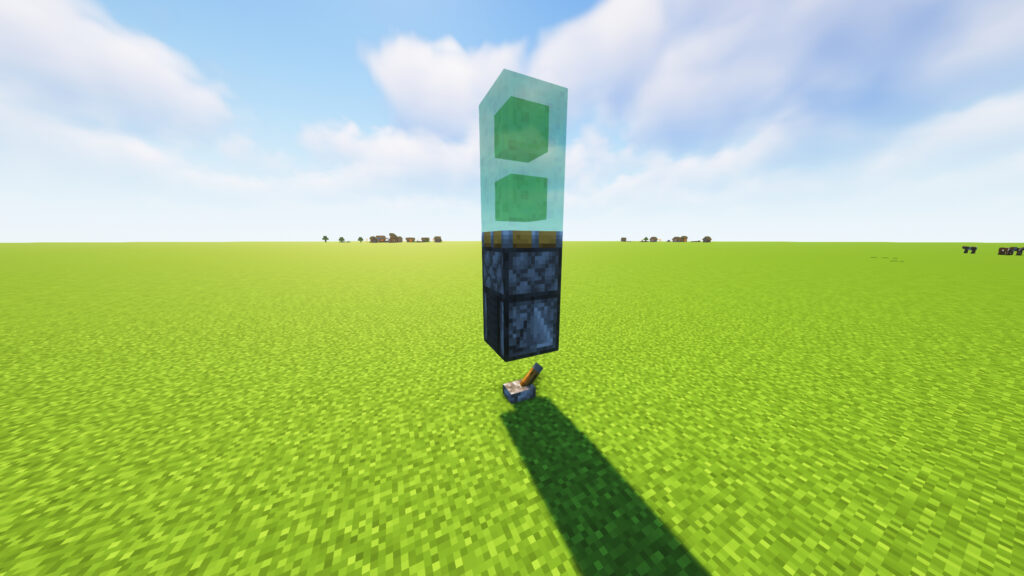
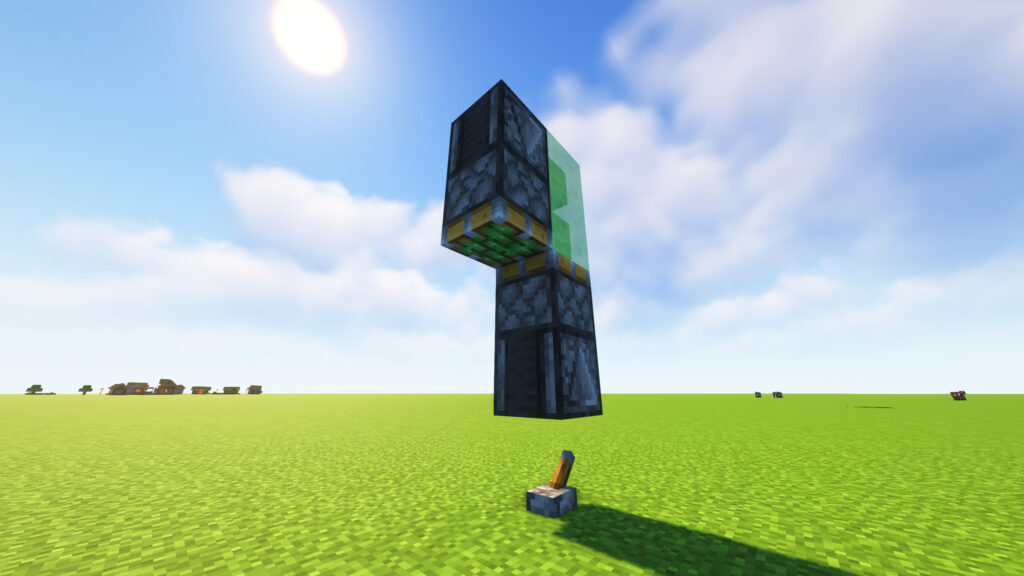
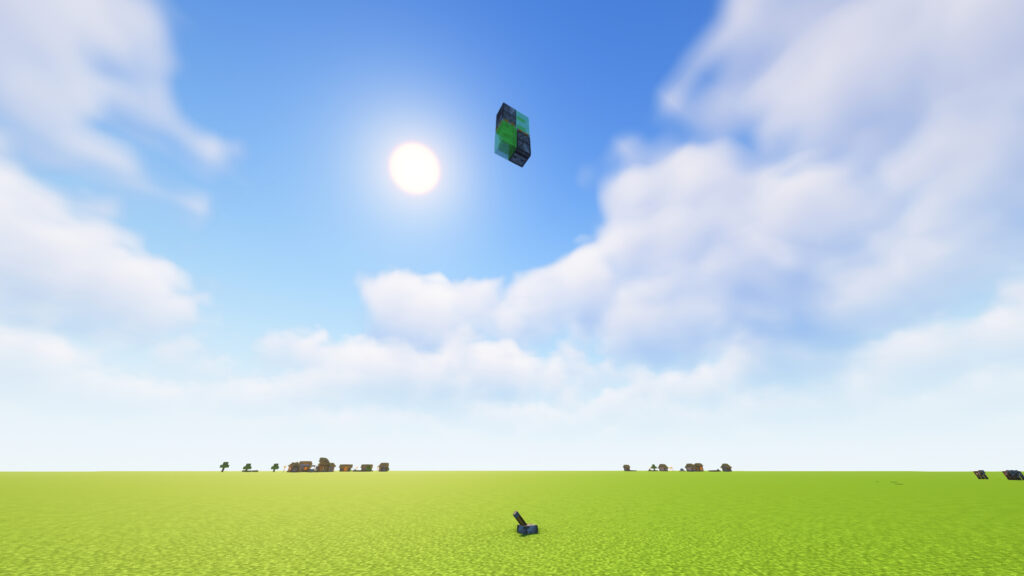
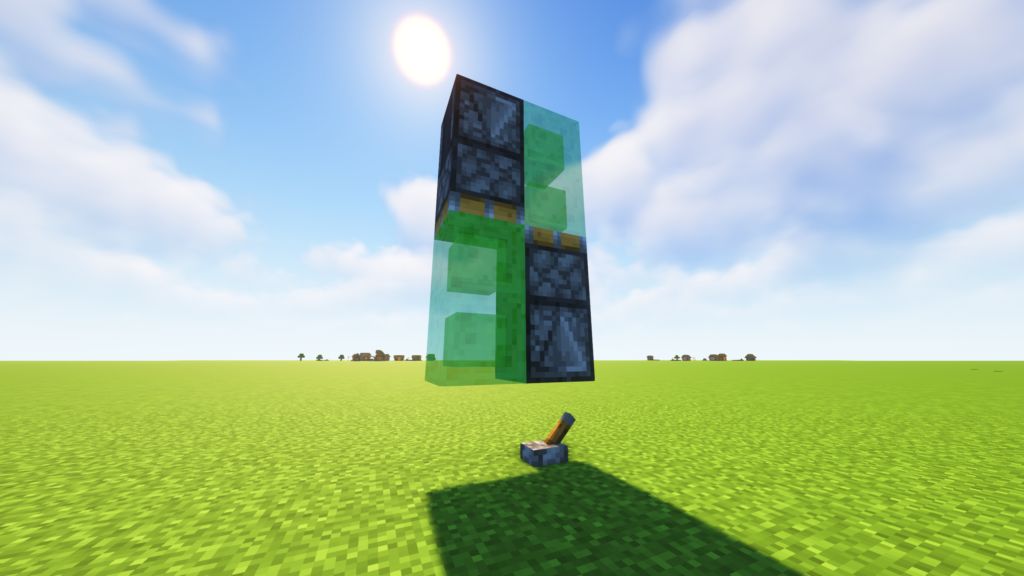
A Minecraft Flying Machine is a compact redstone contraption that uses Observers, Sticky Pistons, and Slime Blocks to move automatically through the world. Unlike traditional transportation methods, a flying machine can travel continuously without rails, fuel, or player input after activation.
This simple design is one of the most popular Minecraft redstone builds because it is affordable, beginner-friendly, and incredibly useful for large-scale projects.
SUBMIT YOUR MINECRAFT SEEDS TO GET FEATURED HERE!
🚀 Simple Flying Machine Materials List
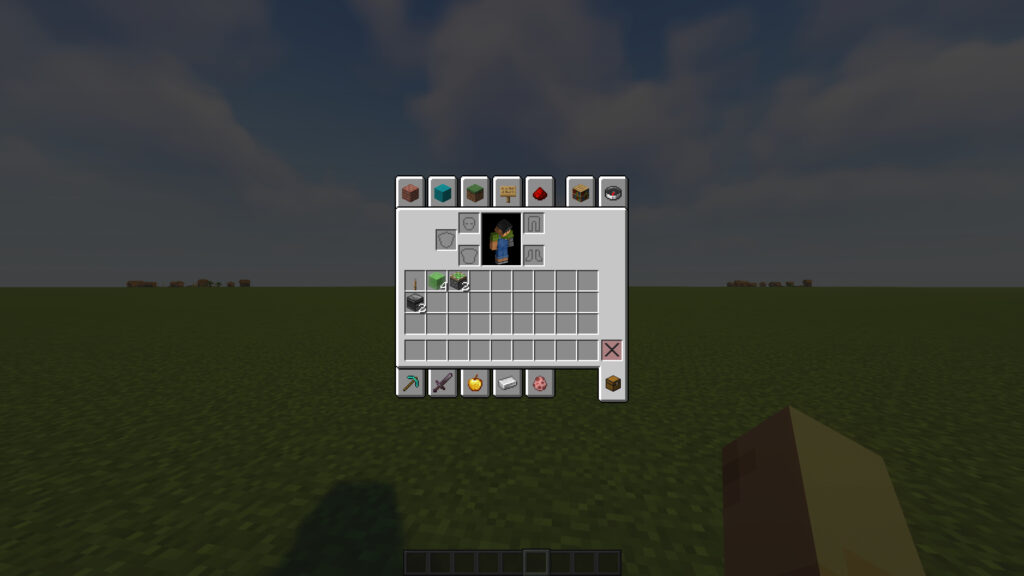
Before building this Minecraft Flying Machine, gather the following items:
🧱 Required Materials
- 🟩 4 Slime Blocks
- 🔩 2 Sticky Pistons
- 👀 2 Observers
- 🎚️ 1 Lever
📋 Quick Checklist
✅ 4 Slime Blocks
✅ 2 Sticky Pistons
✅ 2 Observers
✅ 1 Lever
🎯 What Does This Flying Machine Do?
This simple flying machine automatically moves in one direction using slime blocks, sticky pistons, and an observer.
Perfect For:
- 🚇 Tunnel Builders
- 🌉 Bridge Construction
- 🏗️ Mega Base Projects
- 💥 TNT Duper Carriers
- 🌍 Long-Distance Travel
- ⚙️ Redstone Engineering
⭐ Benefits
- 🚀 Fast and easy to build
- 💎 Uses very few materials
- 🧠 Great beginner redstone project
- ⚡ Works in Minecraft Java Edition
- 🔧 Can be modified for advanced flying machines
📍 Step 1: Place a Lever 🎚️
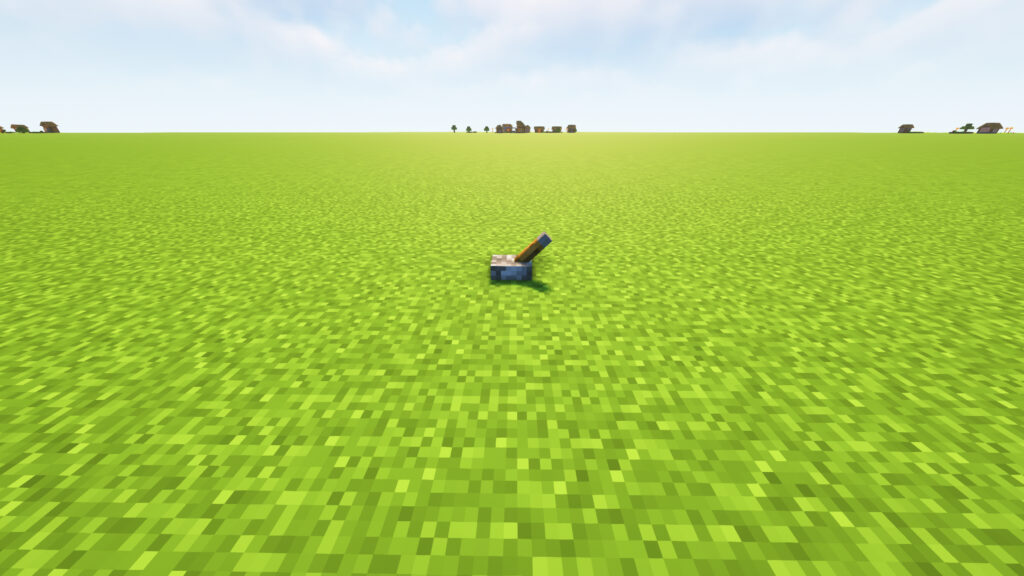
Start by placing a Lever on a flat surface. This lever will be used later to activate and test the flying machine.
📝 Instructions
- Find a flat area with plenty of space.
- Select the Lever from your inventory.
- Place it directly on the ground.
🎯 Purpose
The lever acts as a temporary power source while building the minecraft flying machine.
✅ Step Check
Make sure:
- ✔️ The Lever is placed on a flat block.
- ✔️ There are at least 20–30 blocks of empty space in front of it.
- ✔️ The Lever is not activated yet.
⚠️ Pro Tip
🚀 Build your flying machine a few blocks above the ground if you plan to use it for long-distance travel or TNT duper projects.
📍 Step 2: Place an Observer Above the Lever 👀
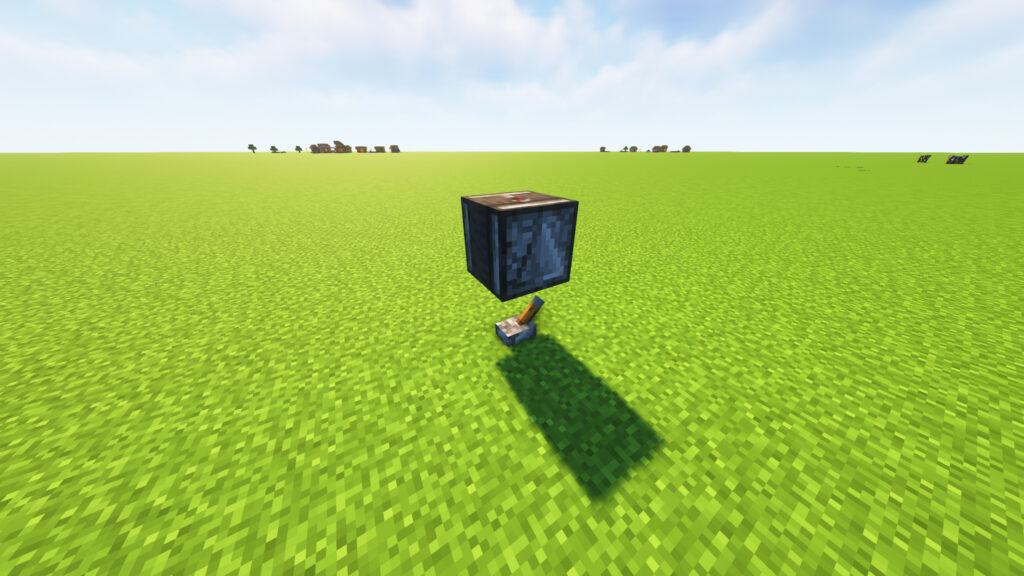
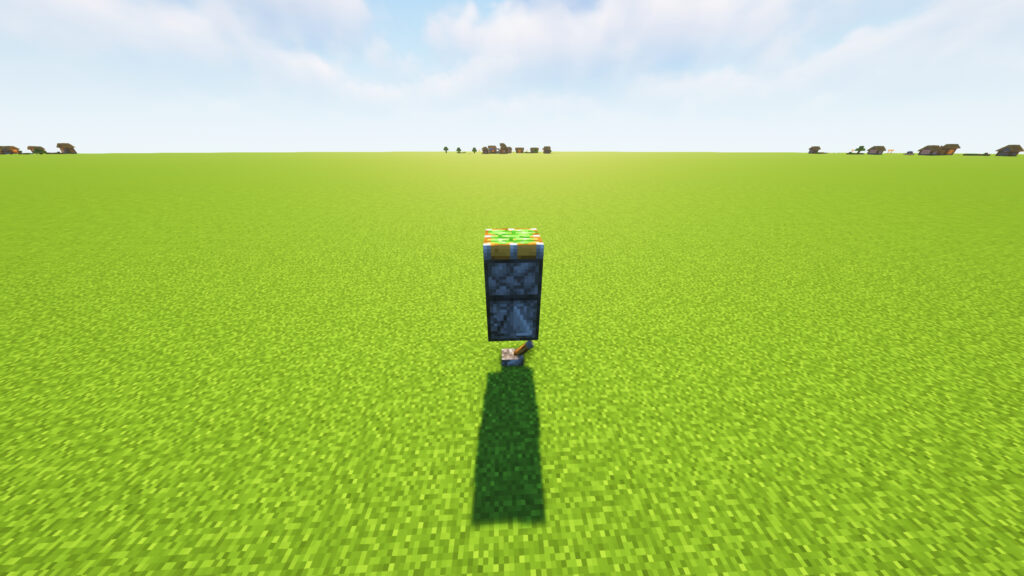
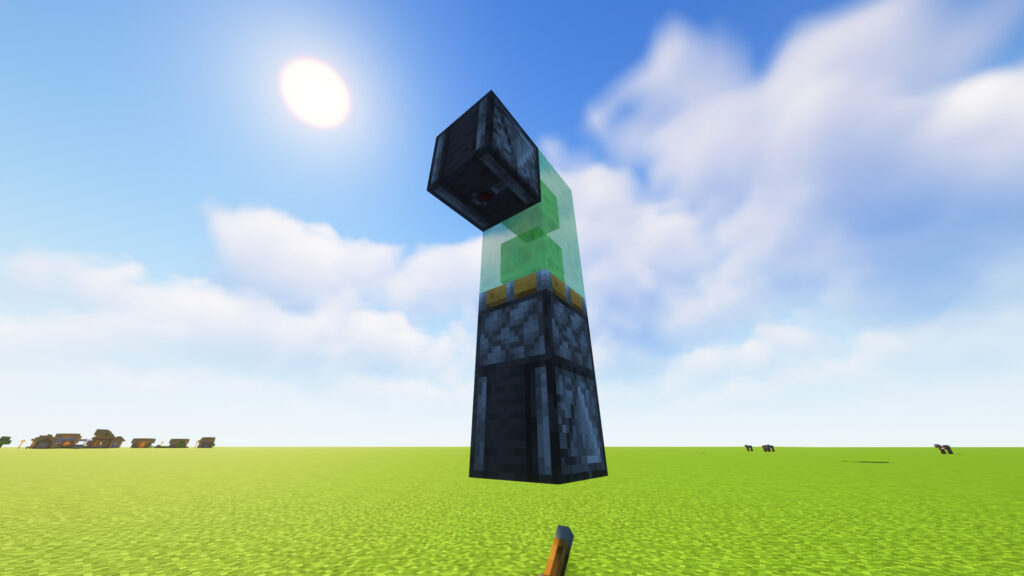
Now place 1 Observer directly above the Lever. Make sure the red output dot is facing upward, exactly as shown in the screenshot.
📝 Instructions
- Select the Observer from your inventory.
- Aim above the Lever.
- Place the Observer so it appears to float directly over the Lever.
- The redstone output dot should be on the top face.
🎯 Purpose
The Observer acts as the brain of the flying machine. It detects block updates and sends redstone pulses that keep the machine moving forward automatically.
✅ Step Check
Make sure:
- ✔️ The Observer is directly above the Lever.
- ✔️ The red dot is visible on the top.
- ✔️ The Observer is not touching the ground.
- ✔️ The Lever remains directly underneath it.
⚠️ Common Mistakes
❌ Placing the Observer sideways.
✅ The Observer’s red output should face upward as shown in the image.
❌ Breaking the Lever after placement.
✅ Keep the Lever in place until the flying machine is complete.
🚀 Progress
You now have the activation base of your flying machine ready.